Getting back to the basics again. I need to stop going back t o the basics every few years. I’m following a course I bought on Udemy. Easy to follow and fun. At least my fingers remember most of the shortcuts.
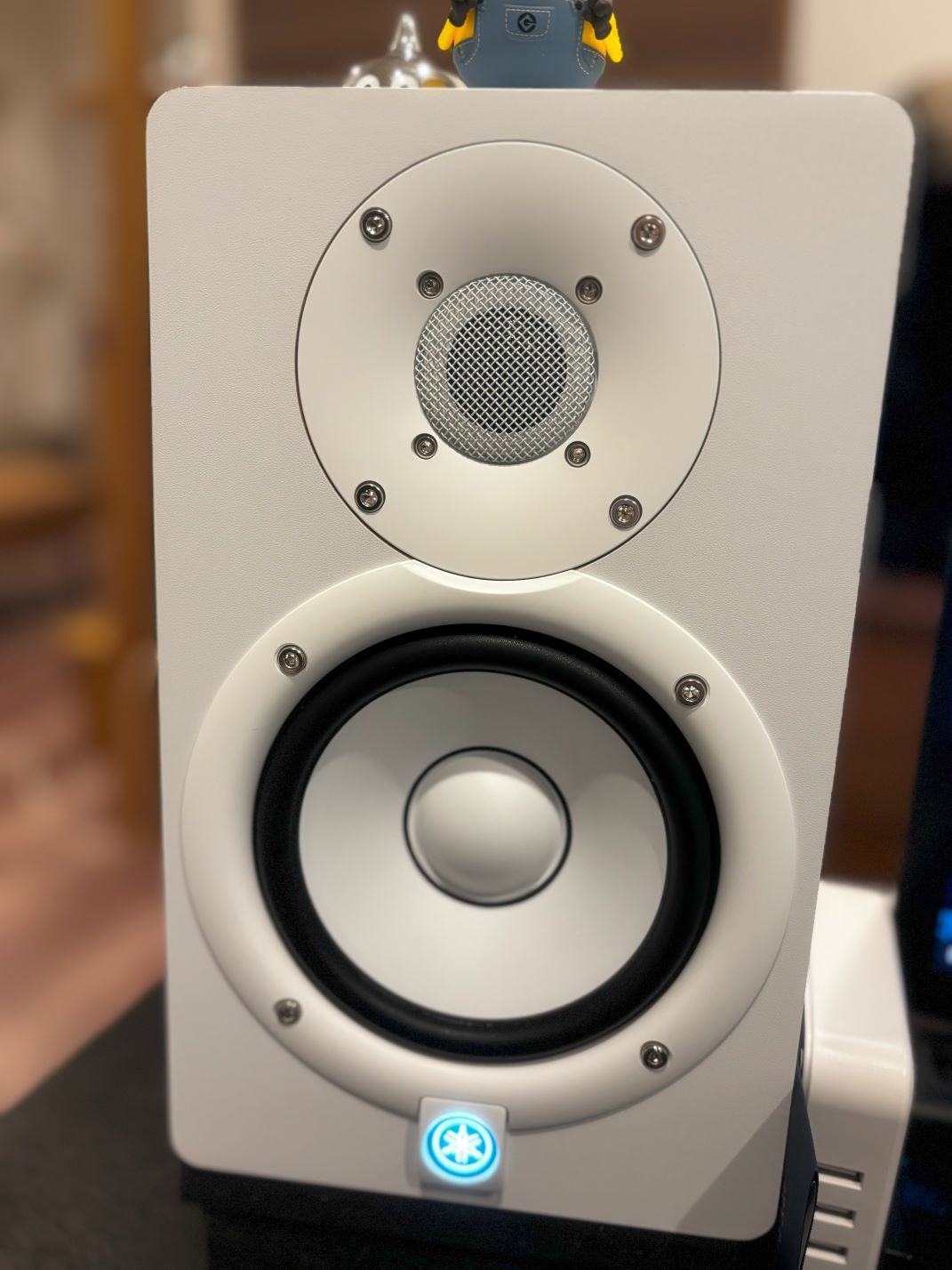
I had to switch off my KRK Rokit G4W speakers yesterday to reposition them, and in the process, the power supply or capacitor in my left speaker failed. I read that the lifespan for KRK speakers are typically around 3~5 years based on user experiences online. With that in mind, my pair were 4 years old so I ordered a pair of Yamaha HS5Ws.
I am challenging myself in creating a drum and bass track, but the melody style is sounding very Trance-like. I’m going to have to study some other tracks and re-edit tomorrow.
If you’re setting up your development environment on your windows machine for the first time, you may encounter the same security policy issue I bumped into. ( PSSecurityException )
The lazy way to remedy the issue: run this command in power shell.
When writing in c#, I’m used to not writing the private modifier for anything. But for some reason when using ReSharper with Unity, the default settings recommends using private. I found this annoying as microsoft suggests not writing private, due to anything being private should be the default. I was going going through stackoverflow, and read comments about readability and clarity by adding the private, but for me I think it makes things more clutered and harder to read.. Also probably depends on what you were used to when starting off coding?
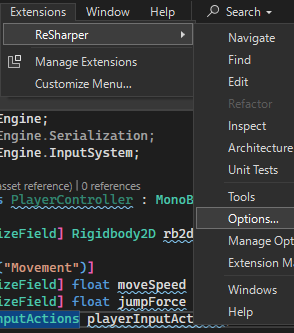
Anyways, let’s disable the private being added automatically.
1.) Extensions -> ReSharper -> Options… 2.) Category: Code Editing -> Modifiers Prefer explicit/implicit private modifier for type members -> Implicit
I completed my bShare web app. I should say nearly done, just need to go over each code again to do some cleaning or maybe even optimizing without breaking anything. Features are there, the web app is live and running (privately).
Updated ReadMe on github, going to take a day or two off while I plan on my next project, which should be way more challenging. Thinking of a private chat app using Blazor webassembly with SignalR and Asp.net backend API.
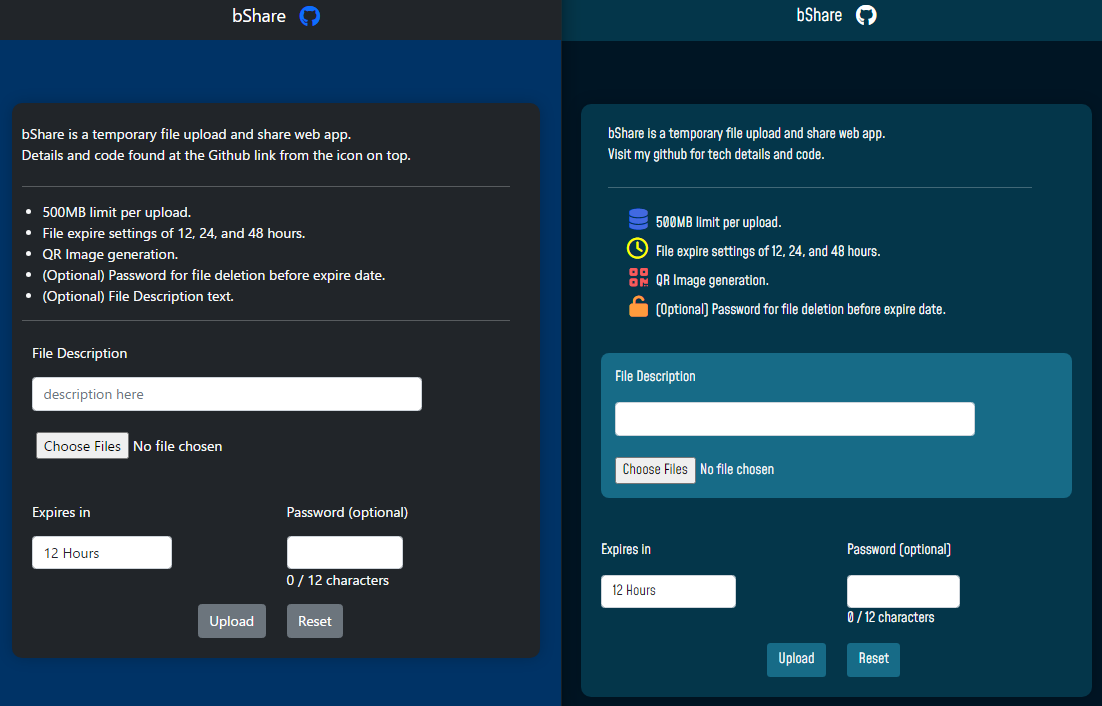
I’m almost done with my file share web app project. Still need to finalize some UI elements, and go over my code to do some cleaning up where I can. Progress from the prototype looking UI, to a little bit better one on the right. My takeaway from this project so far is that to work with placeholder UI elements if the code behind is not completed yet. You may add new features, or think of different ways to represent data. In this case, some of the work you have put in on the frontend side may become a waste.
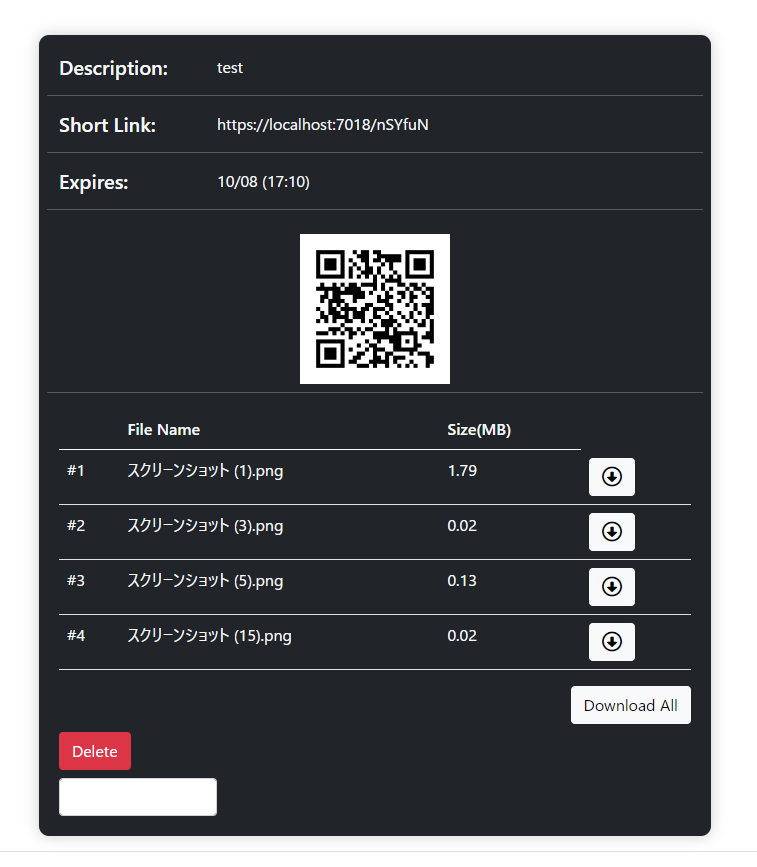
My app bShare is nearly complete for the coding side. This is a temporary file upload web app. User can choose to have files removed after 12, 24, or 48 hours. Quick and easy way to share files in case someone doesn’t use any cloud storage platforms such as dropbox, google drive, etc.
Main features are functioning. I need to touch up the UI, and do some testing. And then for the first time, I must work on the documentation/wiki. I doubt anyone would be using this template, but documentation is good for code review and building your skills on explaining your code? Or at least I believe so.
Almost forgot, before going on to the documentation, I need to work on the automation of MySQL database deletion based on datetime value, and configure a task schedule on Windows Server to remove expired/old files from the system.